You can attach a form to a work order procedure, so your team knows exactly what to fill in as they work through the job.
How to Add a Form
- Open the Work Order: After creating the work order, go to WO Details.
- Tap the More Icon: Tap the More icon on the top right hand corner.
- Choose Edit Procedure: Select Edit Procedure from the menu.
- Choose Add Form: Tap Add Form.
- Select a Template: Choose the form template you want to add to the work order.
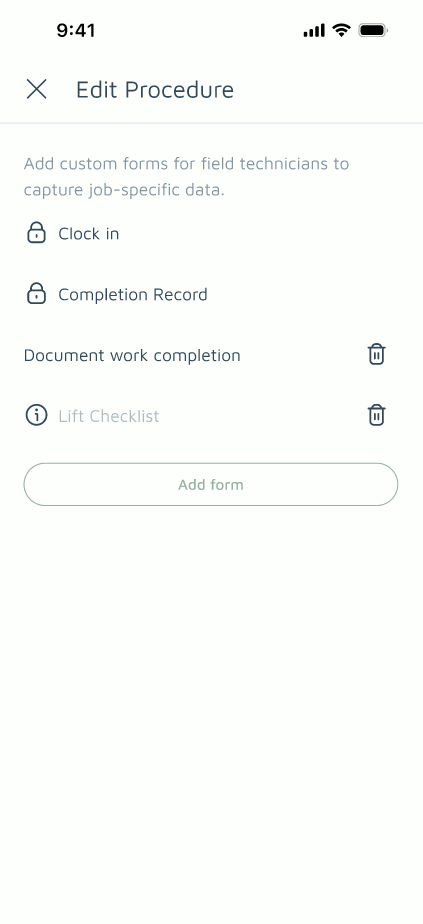
Note: The number of forms you can add depends on your plan — Free and Basic plans can add up to 1 form, while Pro can add up to 5.
