Setting up your Basementgrid account takes just a few minutes. Whether you are creating a brand-new workspace or joining an existing one, follow the simple steps below to get started.
Step-by-Step Account Creation
-
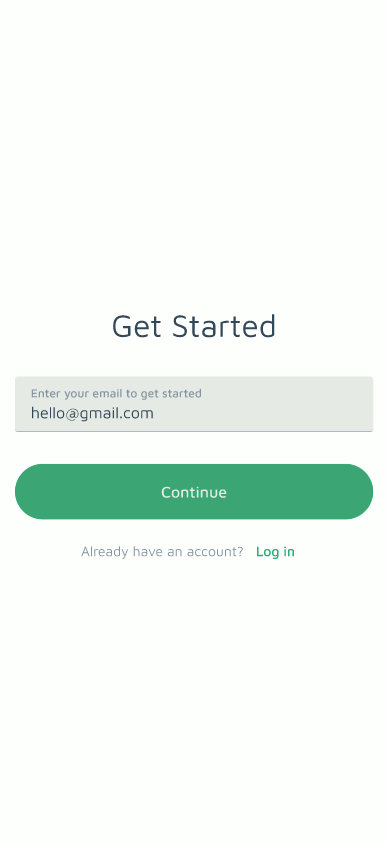
Launch the App & Enter Email
- Open the Basementgrid app on your mobile device, tap Get Started, and enter your email address.
-
Complete Your Account Details
- If your email has been invited to an existing workspace, a setup card will appear automatically. Enter your Full Name and set a Password for your account.
-
Verify Your Email Address
- Check your email inbox for a verification code from Basementgrid. Enter this code into the app to confirm your email.
-
Access Your Workspace
- Once verified, you will be redirected to the Open Workspace screen:
- If you were invited to a workspace: You will see the workspace listed. Simply tap Open next to it to enter directly.
- If you were not invited to a workspace: You will be prompted to create your new workspace from scratch.
- Once verified, you will be redirected to the Open Workspace screen:
