After you finish the job, fill in this form. The Building Manager (BM) uses it to decide whether to accept your work. The clearer your form, the faster it gets approved, and the sooner you can submit your invoice.
Which form will I see?
- Completion Record: for normal work orders.
- Asset Verification: for work orders linked to an asset (like a lift or pump). It replaces the Completion Record. You will also need to mark the status of the asset.
What to fill in
1. Initial Condition (optional)
Upload photos or videos you took before starting work. This helps the BM see what changed.
2. Verify (required)
This is the most important part. Take photos or a video of the work you did. You can't upload from your photo library, because the BM needs to know the photos were taken at the work location.
Tips: take a wide shot and a close-up, keep the photos clear and bright, and make sure it's the right spot or asset.
Photo don'ts:
- Don't take only close-ups. Take a wide shot first so the BM knows where it is.
- Don't send blurry or dark photos. Use your torch if needed.
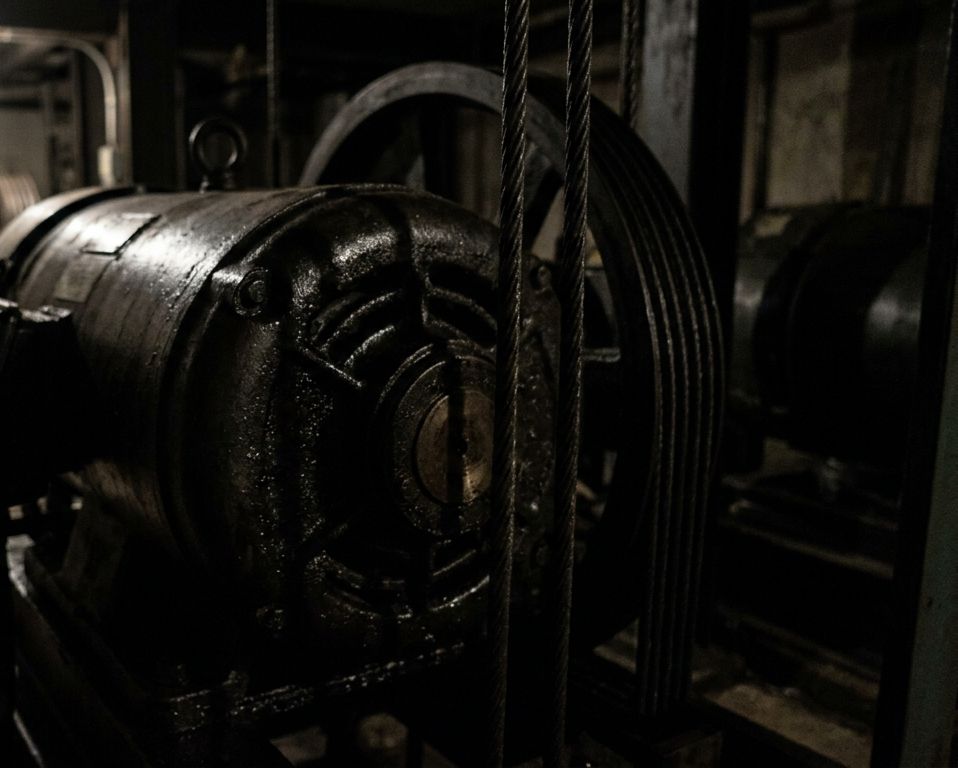
- Don't photograph the wrong spot or wrong asset.
- Don't skip the part you repaired or replaced. Show it clearly.
- Don't send just one photo. Take a few angles, or a short video.
- Don't leave tools or rubbish in the photo. Clean up first.
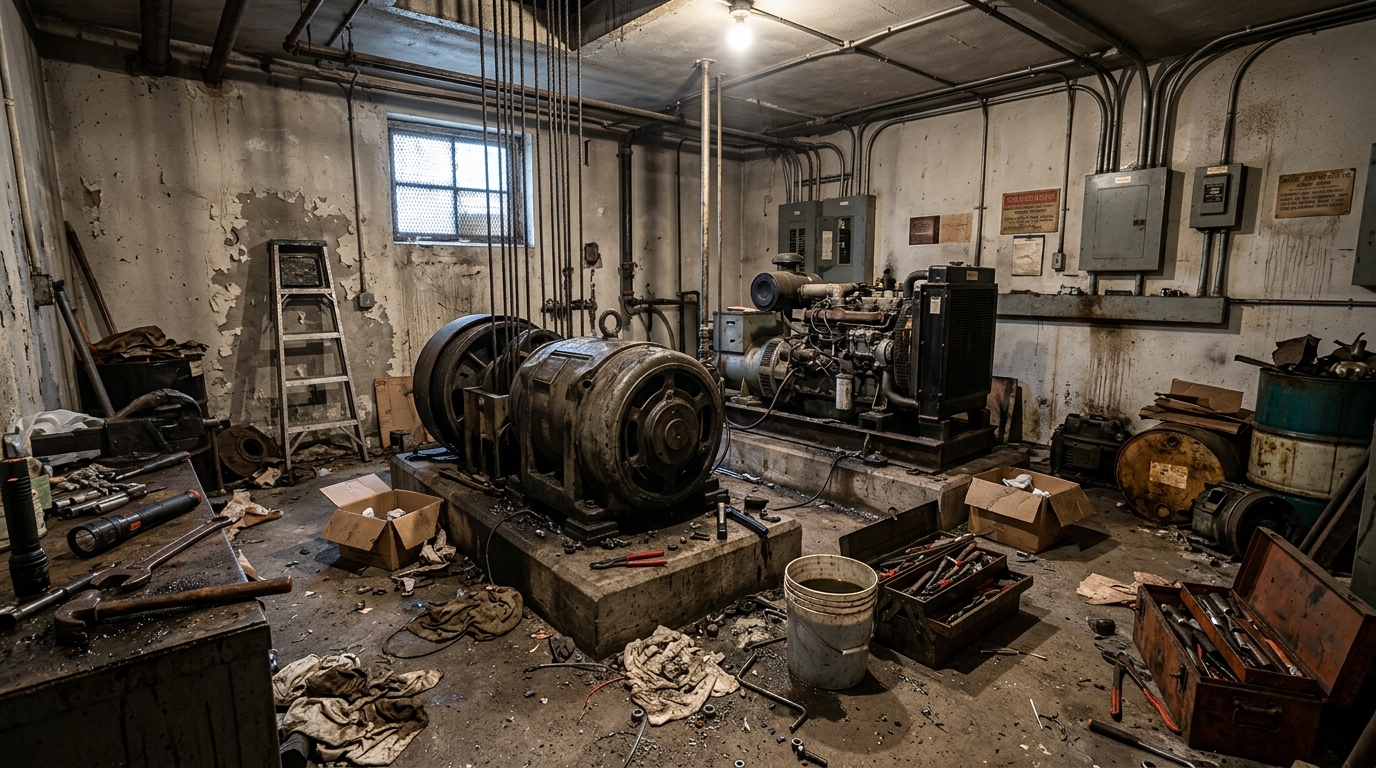
- Don't wait until after you leave. Take the photos before you pack up.
3. Asset status (Asset Verification only) (required)
Mark the current status of the asset.
4. Work Summary (required)
Write what the problem was, what you did, and anything the BM should know. More detail means fewer questions from the BM.
5. Attachment and Remarks (optional)
Add a service report or any extra notes.
Don't forget other forms
The BM may add other forms to the job. Check the work order and fill in all of them. If any form is missing, the work order stays In Progress and the BM can't review it, so you can't submit your invoice.
Remember
Put yourself in the BM's shoes. If everything is already in the form, they can accept your work at a glance.
