Before a unit owner can start renovation work, Management needs to approve it. That's not just paperwork — it's how the estate keeps disruption to other residents in check. Here's how Basementgrid handles the whole process, from application to work order.
For Managing Agent/Property Manager
- Create the application form. You'll need Admin access to set this up.
- Ask the applicant to message you with their renovation request.
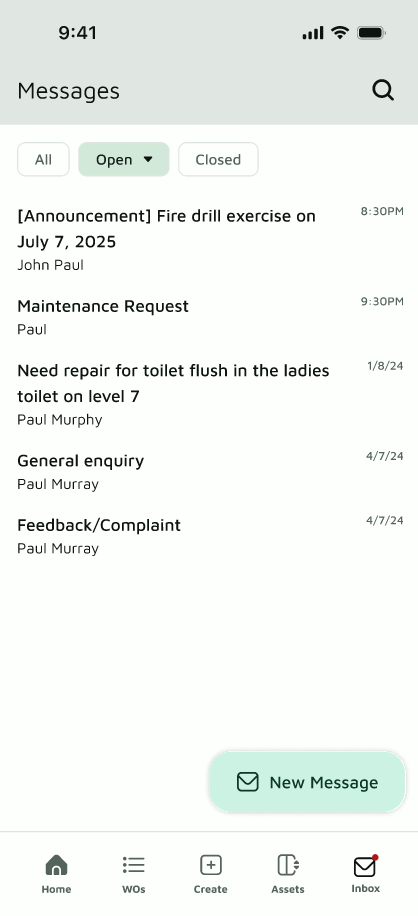
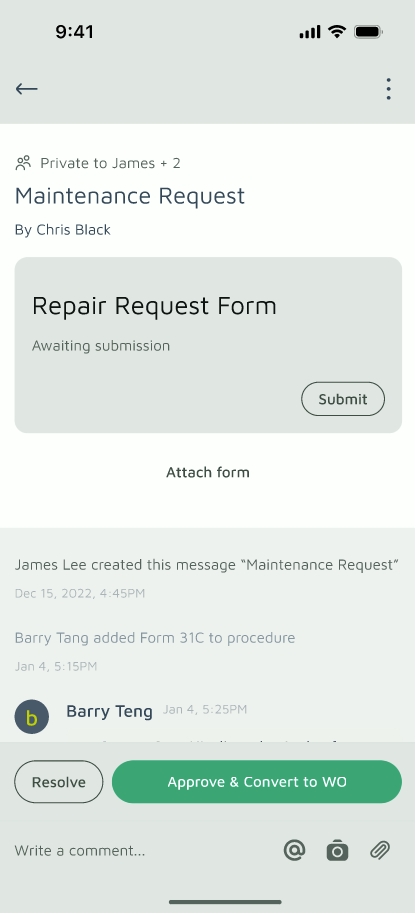
- Attach the form to that message and ask them to fill it out. (Tip: tagging someone with "@username" sends them an in-app notification.)
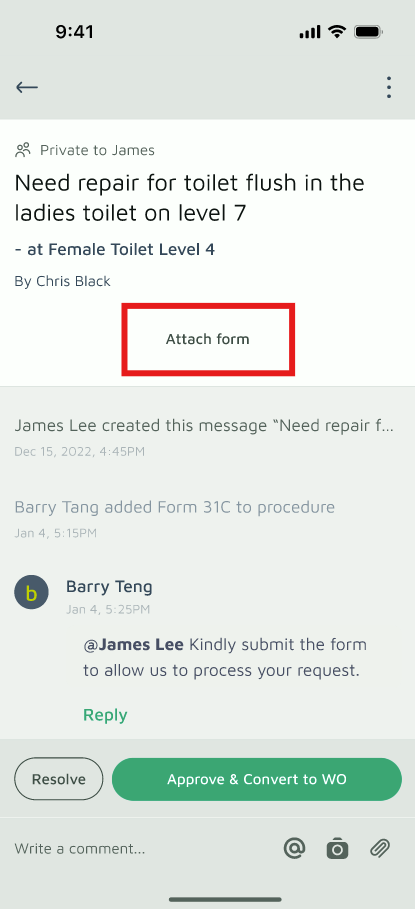
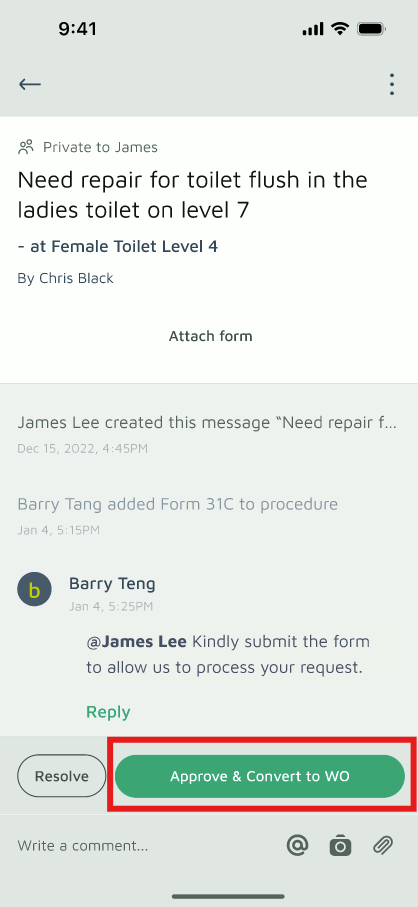
- Review the submitted form. Once you're satisfied, approve it and convert it into a work order.
- Assign the work order to your team to follow up on.
For better documentation and follow-through, it's worth adding procedures to the work order itself.
For Applicants (Owners, Tenants, Agents)
Step 1 — Send your enquiry
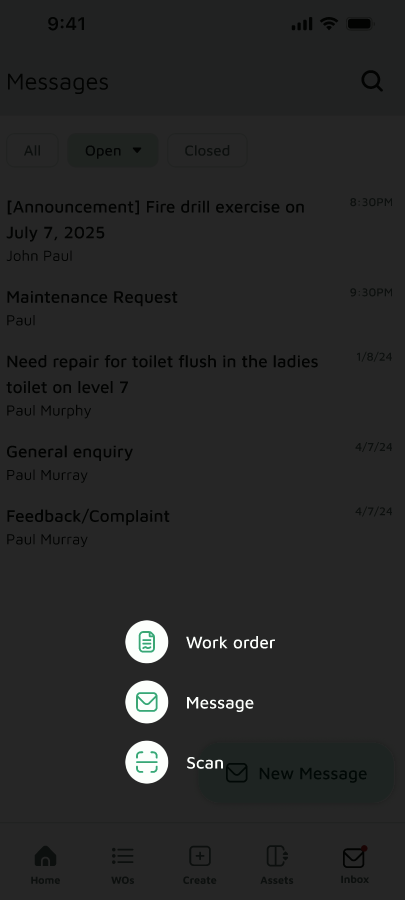
- Go to the Home page
- Tap "+" at the bottom
- Choose "Message"
- Describe what you're planning
You can only submit the form after the managing agent attaches it to the message.
Step 2 — Submit the form
- Go to the Home page
- Open the "Message" section
- Open your message thread
- Tap "View procedure"
- Tap "Submit {{Form Name}}"
- Fill it out and tap Submit
Once the managing agent or building manager approves your application, you'll get a notification and can start work.
One thing to check first: make sure you're messaging from the right workspace, so it actually reaches the managing agent or building manager.
