Need to invite someone to your workspace as a collaborator? Here's how to do it, step by step.
Once you've invited collaborators to the workspace, you'll need to assign them work orders so they can complete the procedures.
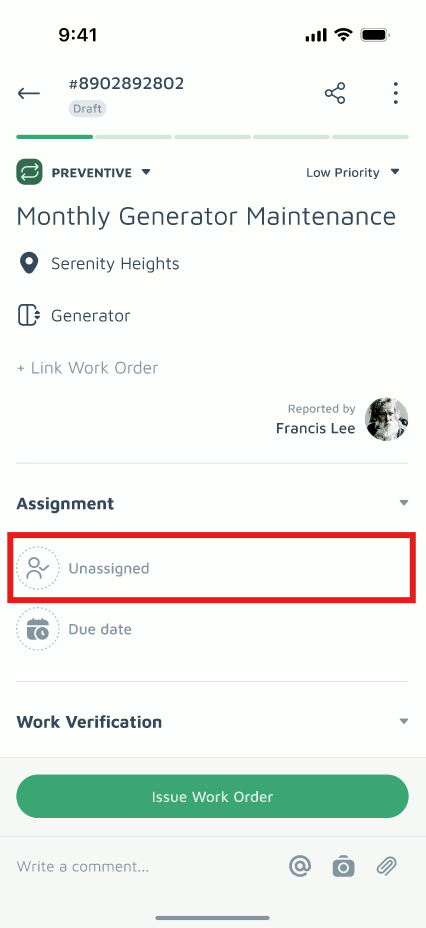
- Retrieve the relevant work order
- Assign to collaborator
- Choose "Internal Team"
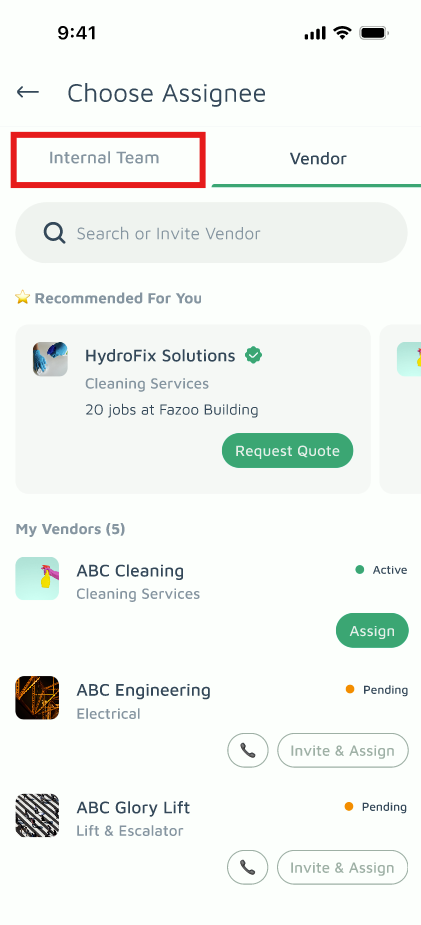
- Choose a team member (user who is either Admin or Collaborator role in the estate)
- Done. The assignee will be notified and should complete the form as outlined in this article.
