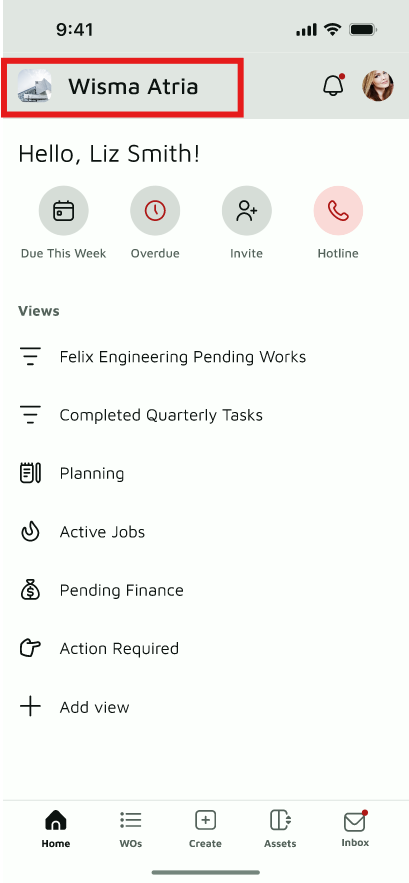
Step 1. Tap Workspace Profile on the Home page
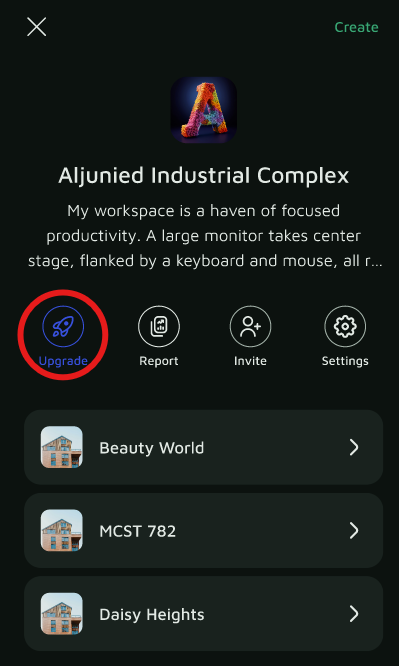
Step 2. Tap the Invite button
Step 3. Enter the team member's Name and Email, then choose a role:
- Administrator: Edit and view all work orders/bookings.
- Collaborator: Edit and view only your assigned and created work orders/bookings.
- Requester: Edit and view only your created work orders/bookings.
- Approver: ⚠️ permission description needed
Step 4. Tap Send Invitation
