Basementgrid's forms are designed to help managers ensure complete documentation from workers or vendors. We've also extended these forms to work requests, making sure all necessary information is provided upfront to streamline workflows.
When creating a form, you'll use two main elements: questions and headings. Questions are where you ask for specific information from responders, while headings help you organize and explain different sections of your form.
Step-by-step Instructions to Add Questions
- Add a question
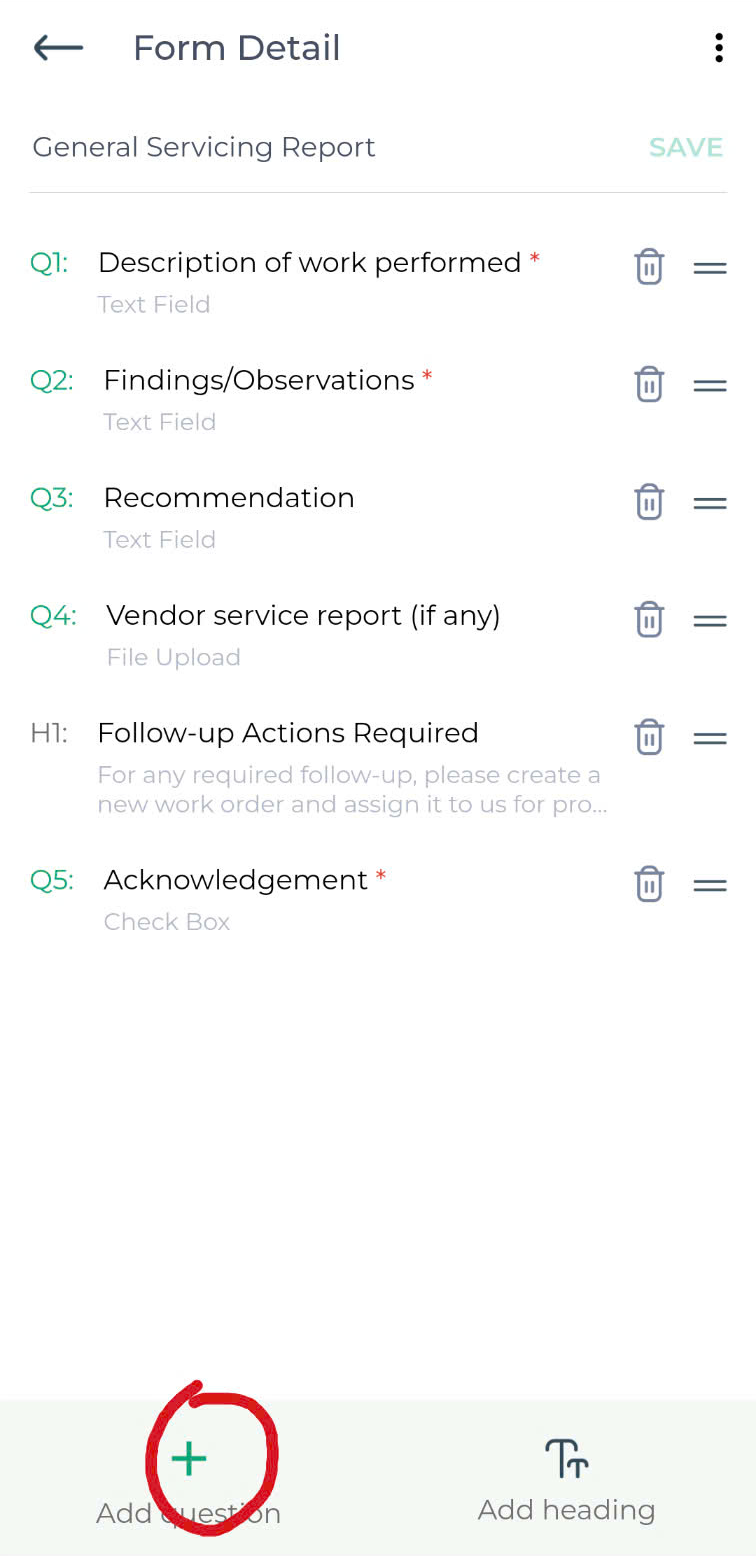
- Enter question

- Set the question as optional
- Choose answer type
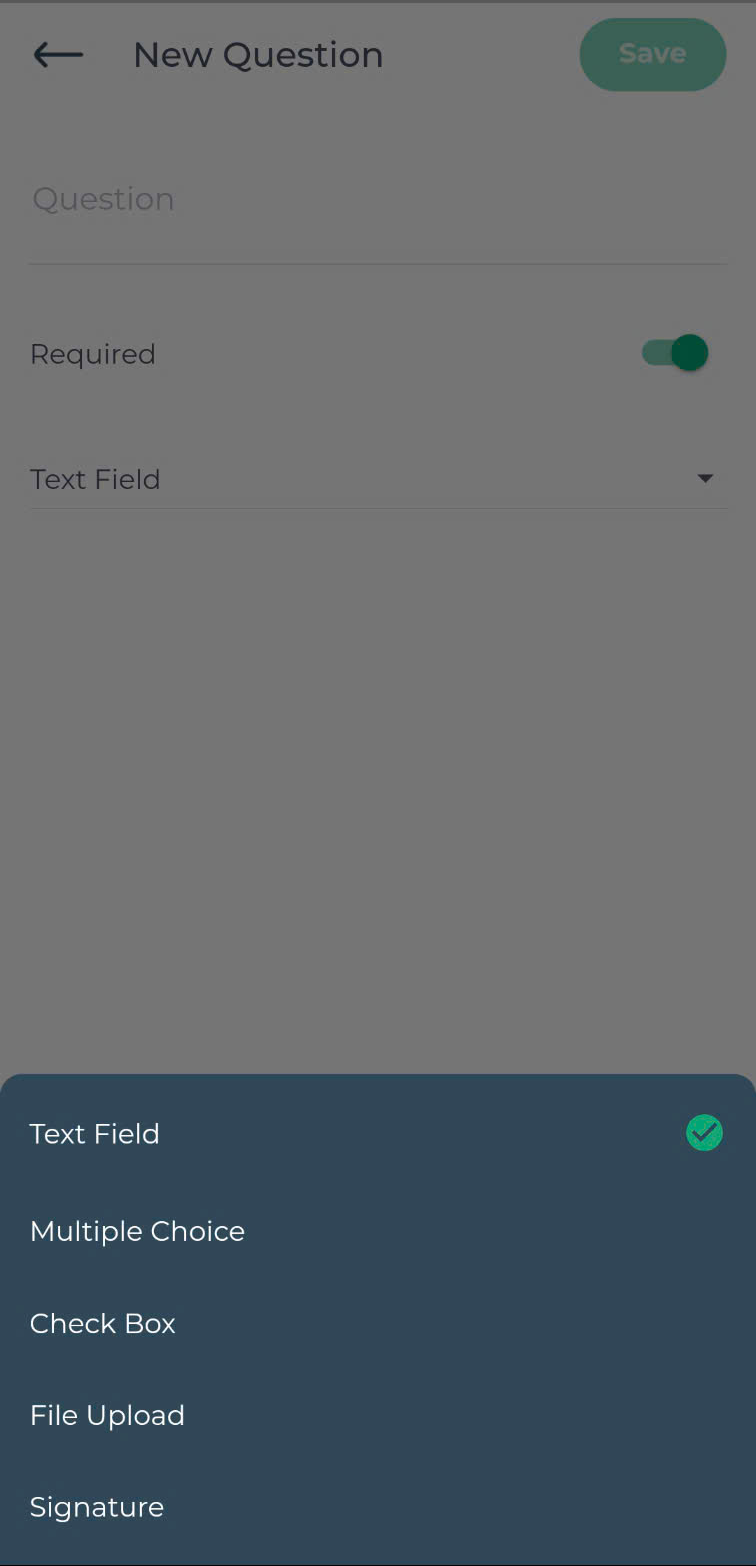
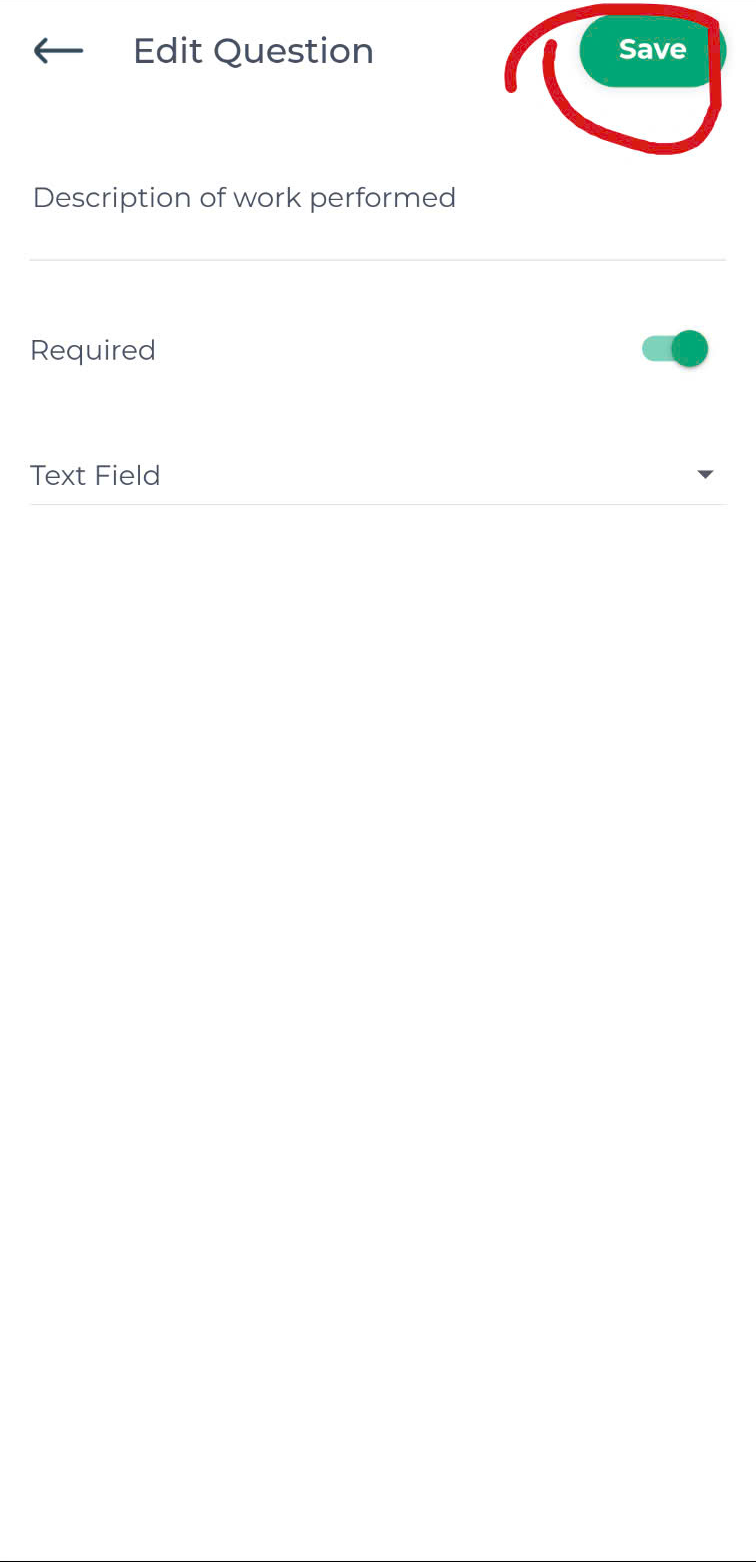
- Save
Step-by-step Instructions to Add Heading
- Add heading
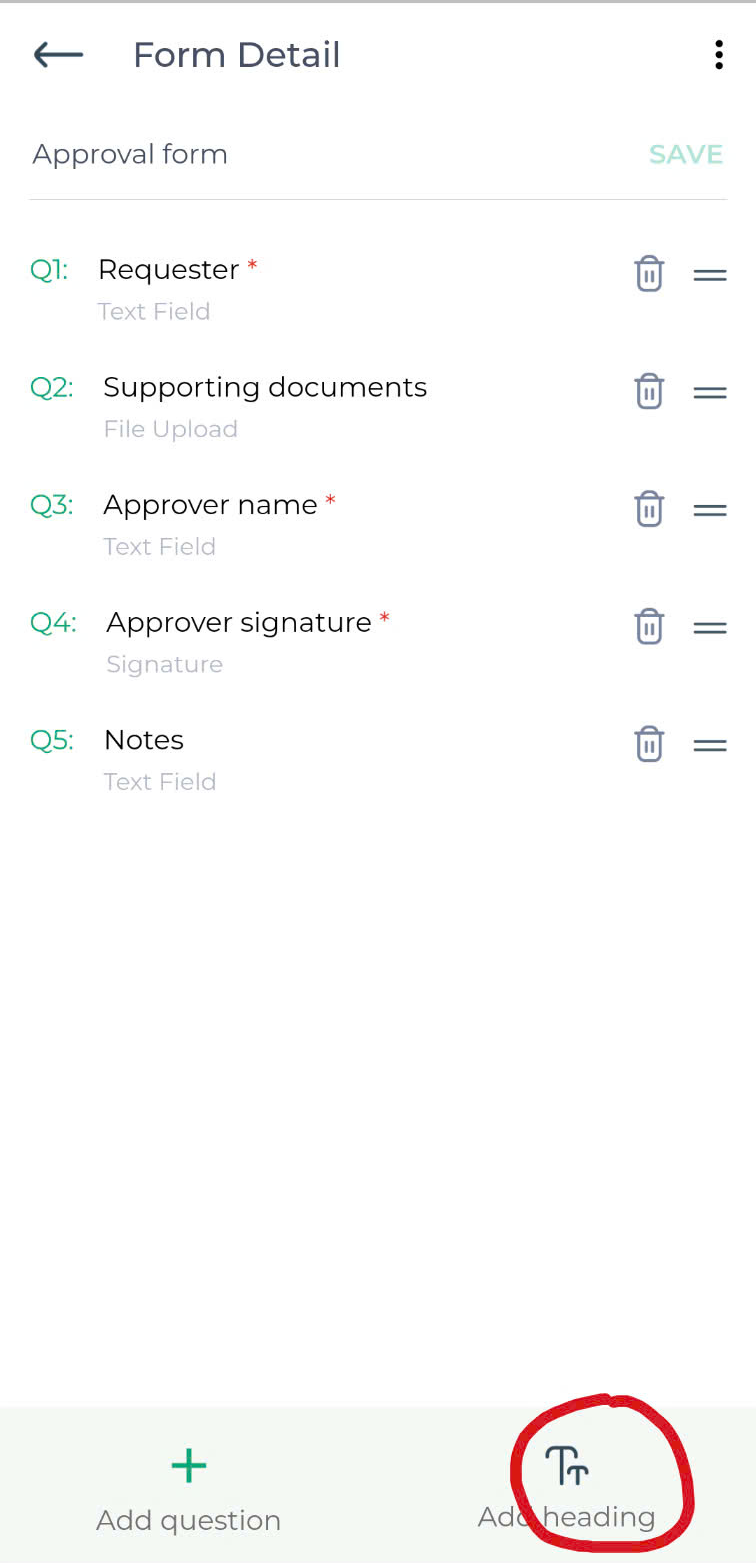
- Enter heading title

- Enter description (optional)
- Save
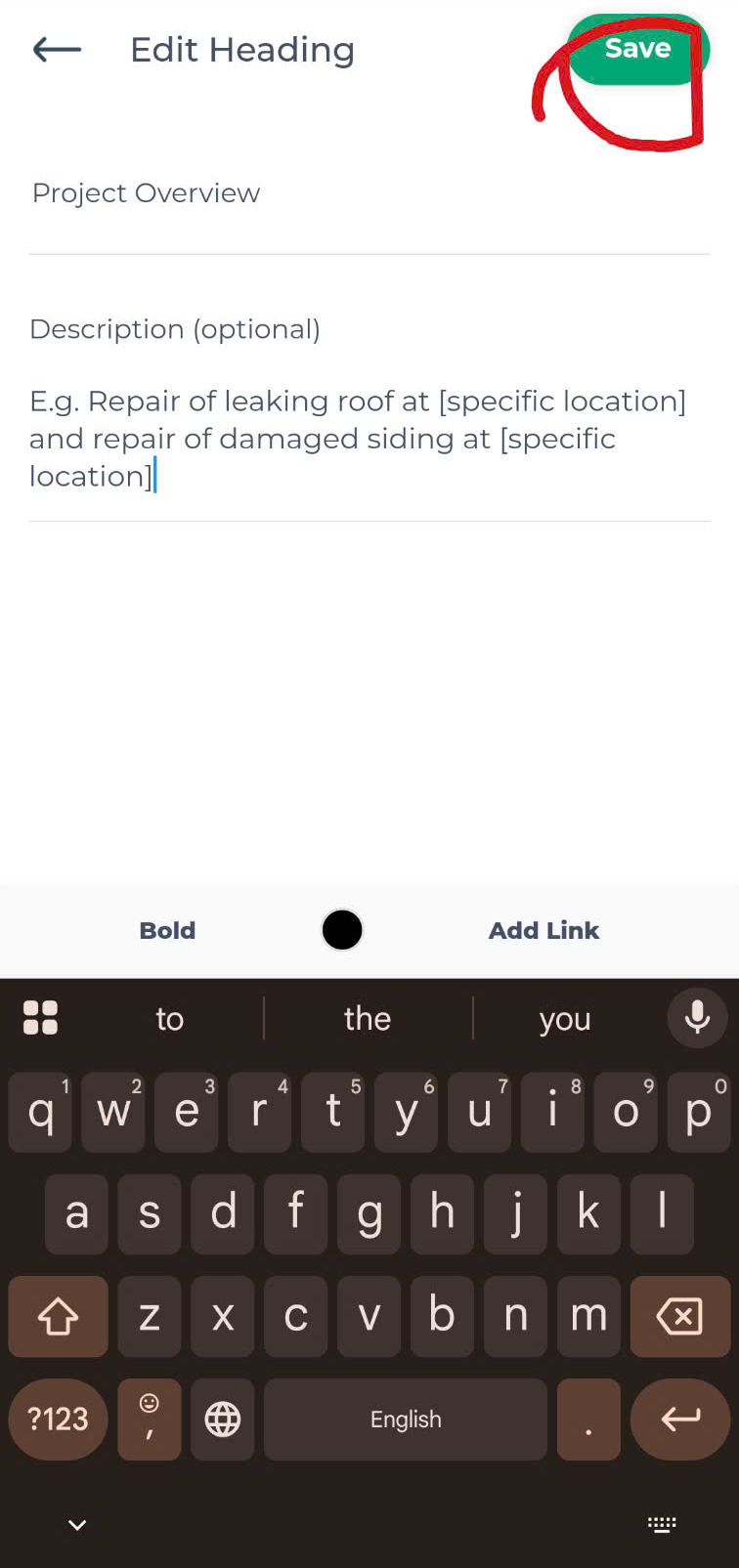
You can format heading descriptions using bold text, colors, and links.
